
Dialpad - Viewing Spam
Creation date: 2/23/2026 7:19 AM
Updated: 5/13/2026 5:05 PM
View spam interactions
To view interactions flagged as spam, go to your Dialpad app:
Navigate to your Inbox
Select Spam
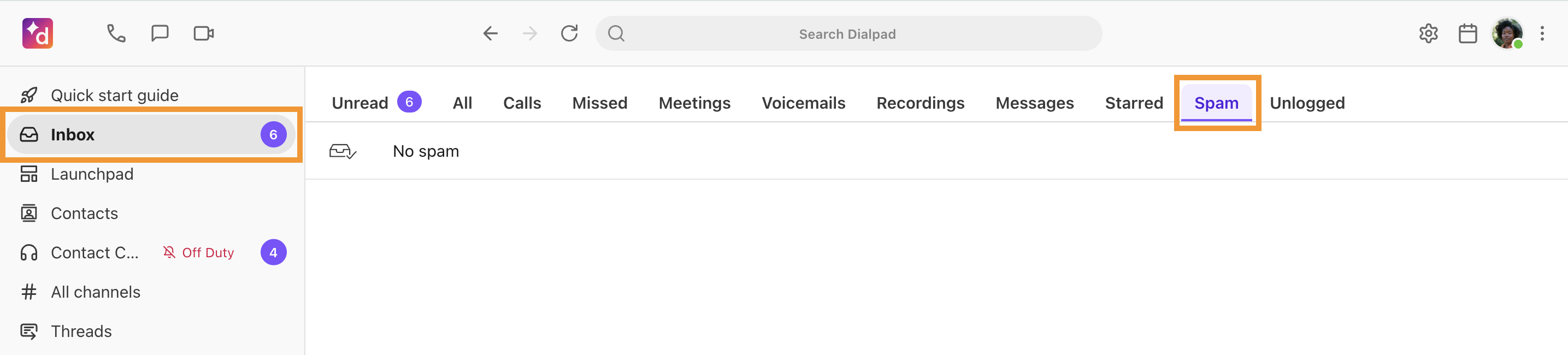
Here, you’ll see a list of calls, SMS/MMS messages, and faxes marked as spam. If the caller left a voicemail, you can listen to it, or read the transcript.