Dialpad - Clearing Notifications
Creation date: 2/23/2026 7:12 AM
Updated: 5/13/2026 5:04 PM
How Do I Clear Message Notifications?
Notifications can be cleared in bulk for both Inbox notifications and sidebar notifications.
Clear personal inbox notifications
To clear all notifications in your personal inbox, select the Mark All as Read icon in the Unread tab of your Inbox.

Clear shared line notifications
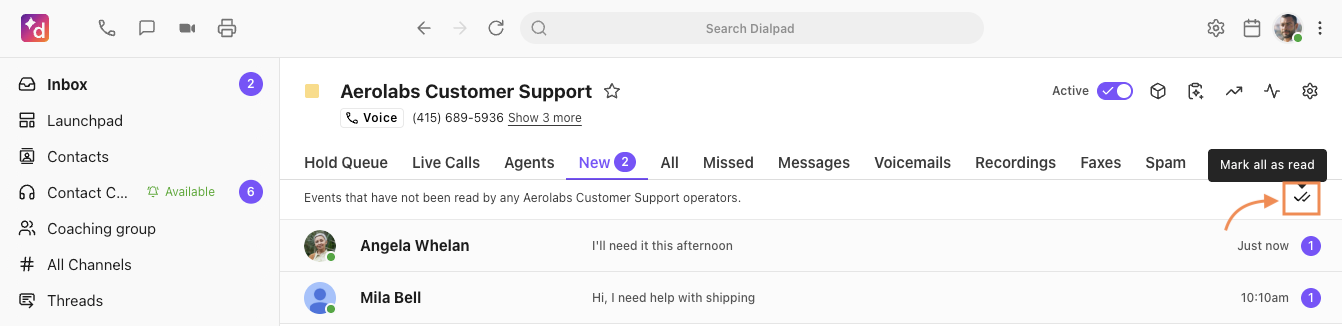
To clear unread messages for a Contact Center or a Department, click the double-checkmark icon to mark all as read.
Clear sidebar notifications
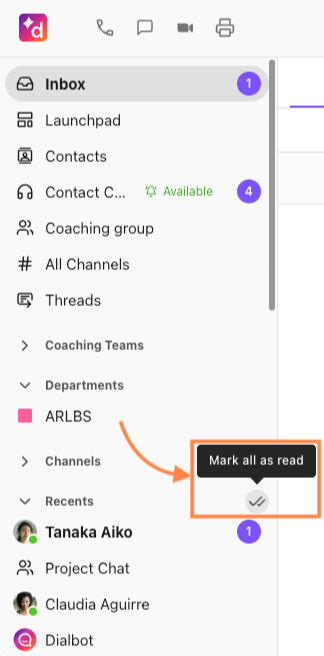
Sidebar notifications can be cleared for the Favorites and Recents sections of your left-hand sidebar.
Hover over the section title to see the double-checkmark icon
Select the double-checkmark to clear all notifications in that section